
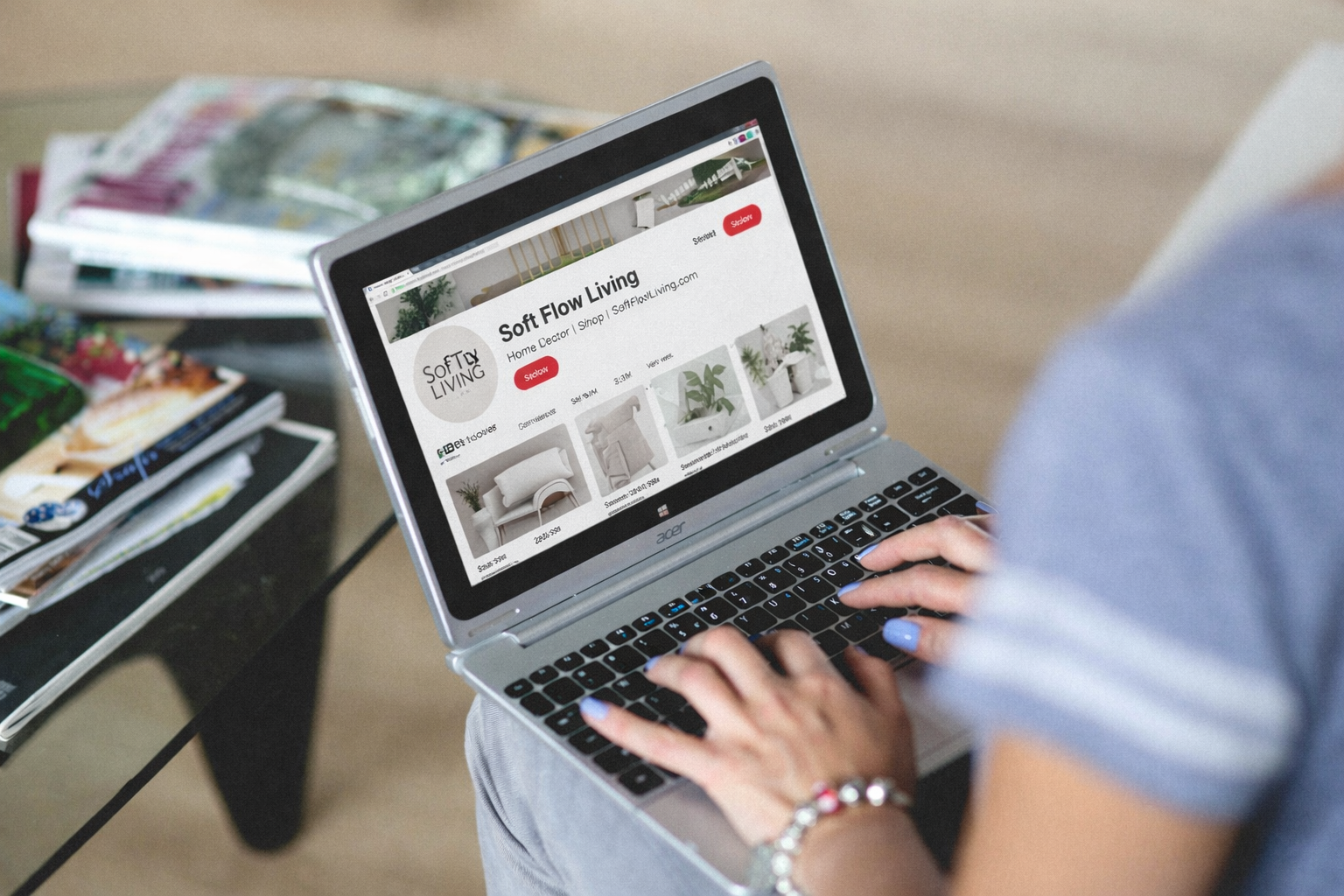

I used to think Pinterest was just… vibes. Pretty pictures, nice quotes, and the occasional recipe I’d never actually cook. Meanwhile, my blog posts were sitting there, looking cute, getting zero traffic. Not a single click. Just me refreshing my dashboard like it owed me money.
It wasn’t until I started understanding Pinterest for Bloggers as a search engine, not a social platform, that everything shifted. And honestly, I wish someone had sat me down and said, “Babe, you’re doing too much in the wrong places.”
So if you’re feeling stuck, overwhelmed, or just confused about how Pinterest is supposed to work for your blog, this is the simple system I wish I knew earlier.
Pinterest for Bloggers: Think Search, Not Social
The biggest mindset shift is this. Pinterest is not Instagram. It is not about followers, likes, or going viral overnight.
People go on Pinterest to search.
They are typing things like “how to grow a blog,” “Pinterest strategy for beginners,” or “blog traffic tips.” Your job is to create content that answers those searches.
Once I stopped trying to be aesthetic for the sake of it and started being helpful, my pins started working. Not instantly, but consistently.
My Simple Pinterest System That Actually Works
I had to simplify things because I don’t have time to be doing 50 pins a day like a full-time Pinterest manager. This system is soft, realistic, and sustainable.
1. Start with searchable blog topics
Before you even think about Pinterest graphics, your blog post needs to be something people are already looking for.
Think in terms of problems and solutions:
- “How to stay consistent with blogging”
- “Beginner Pinterest strategy for bloggers”
- “How to get traffic without social media”
If no one is searching for it, Pinterest will struggle to show it.
2. Create 2 to 5 simple pin designs per post
You don’t need 20 pins. You need a few good ones.
I keep my designs clean:
- Clear headline
- Soft, aesthetic background
- Easy-to-read fonts
Sometimes I literally just change the wording slightly:
- “Pinterest tips for bloggers”
- “How bloggers actually grow on Pinterest”
- “Pinterest strategy that works in 2026”
Same post. Different angles.

3. Use keywords like a normal human
This is where a lot of people overcomplicate things.
You don’t need to sound like a robot repeating the same phrase. Instead, think about how someone would naturally search.
In your pin title and description, use variations like:
- Pinterest strategy for bloggers
- how to use Pinterest for blog traffic
- Pinterest marketing tips for beginners
That’s how Pinterest for Bloggers actually works. It’s about matching what people are already searching for.
4. Pin consistently, not obsessively
I used to think I needed to pin all day. That lasted about two days before I got tired and disappeared.
Now I focus on consistency:
- A few pins per day or scheduled in batches
- Reusing my own content
- Letting pins circulate over time
Pinterest is slow. But slow doesn’t mean ineffective. It just means you need patience and consistency.
5. Let your pins do the long-term work
This is the part no one talks about enough.
A pin you post today might only take off in 3 months. Or 6. Or even a year.
Unlike Instagram, your content doesn’t die after 24 hours.
So instead of stressing about instant results, think long term. You are building a library of content that keeps working for you.
Do I need a lot of followers to grow on Pinterest?
No. And this is where Pinterest feels like a breath of fresh air.
Your content is shown based on relevance, not popularity.
You could have 10 followers and still get thousands of impressions if your pin matches what people are searching for.
It’s not about being known. It’s about being useful.

How many pins should I create per blog post?
You don’t need to burn yourself out.
Start with 2 to 5 pins per post. Test different headlines and visuals. Over time, you’ll see what style works for your audience.
You can always come back later and create more pins for older posts. That’s actually one of the easiest ways to grow.
Why is my Pinterest not bringing blog traffic?
This one hurts, but let’s be honest.
It’s usually one of these:
- Your topic isn’t searchable
- Your pin title is too vague
- Your design isn’t clear enough
- You’re not being consistent long enough
Pinterest is not instant gratification. It rewards clarity and consistency over time.
Once I fixed those things, my traffic didn’t explode overnight, but it started growing steadily. And that’s what you actually want.
Soft Flow Tips to Keep It Sustainable
Let’s keep this realistic and aligned with your energy.
Batch your pins once a week instead of stressing daily.
Reuse your blog content. You don’t need new ideas every time.
Keep your designs simple so you don’t get stuck in perfectionism.
And most importantly, don’t compare your beginning to someone else’s middle. Some of these bloggers have been pinning for years.
Final Thoughts
If you take one thing from this, let it be this.
Pinterest is not about doing more. It’s about doing the right things consistently.
Once I simplified my approach to Pinterest for Bloggers, everything felt lighter. Less pressure, more clarity, and actual results over time.
You don’t need to master everything today. Just start with one post, a few pins, and a clear idea of who you’re helping.
Try this system with your next blog post and see how it feels. Then build from there.
And if you’re ready to go deeper, start paying attention to what people are searching for. That’s where the real growth is.